Private voice notes
Capture quick thoughts or longer recordings, keep the original audio locally, and revisit a searchable transcript.
Record voice notes, capture in-person meetings, and dictate into other apps. Core transcription runs on your device after the local model is installed.
Voice is not raw material for another cloud account.
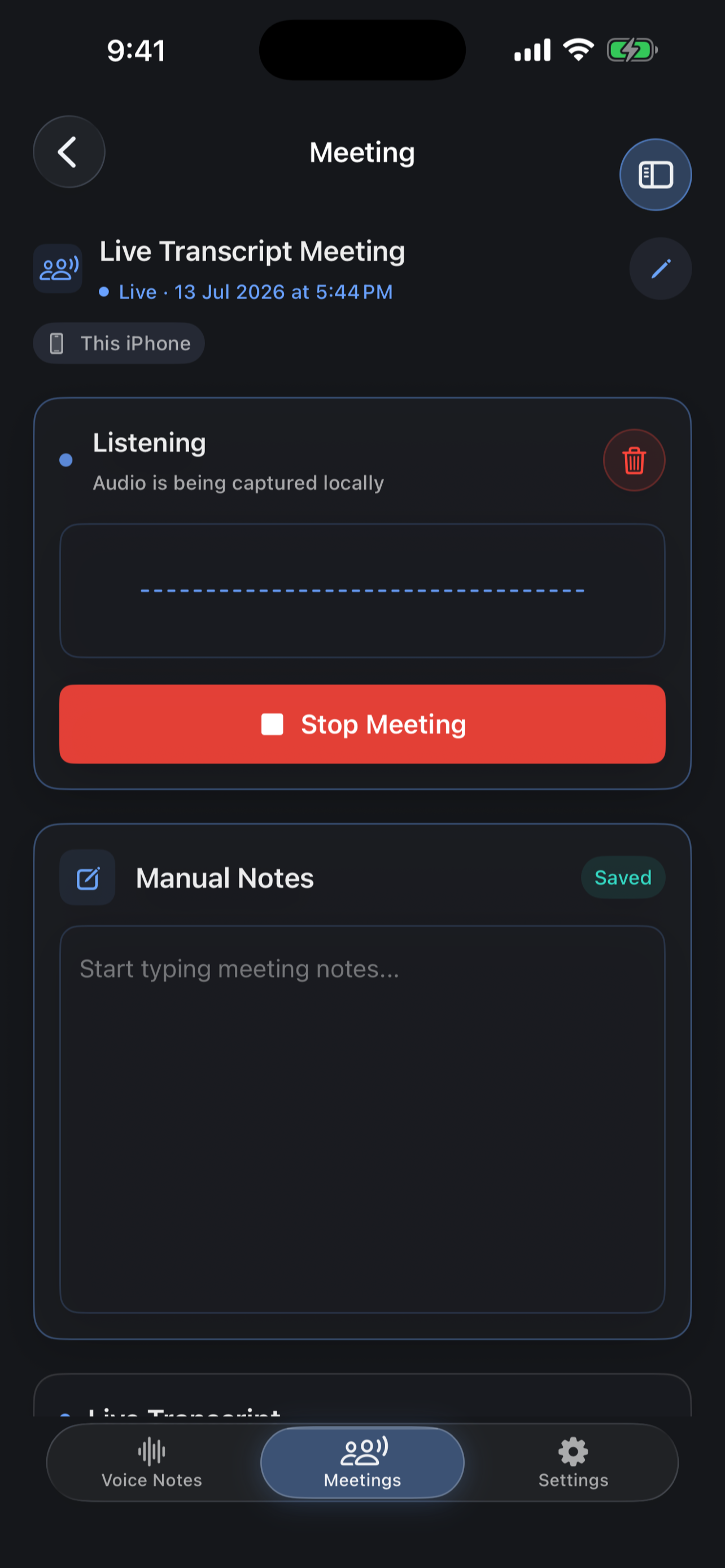
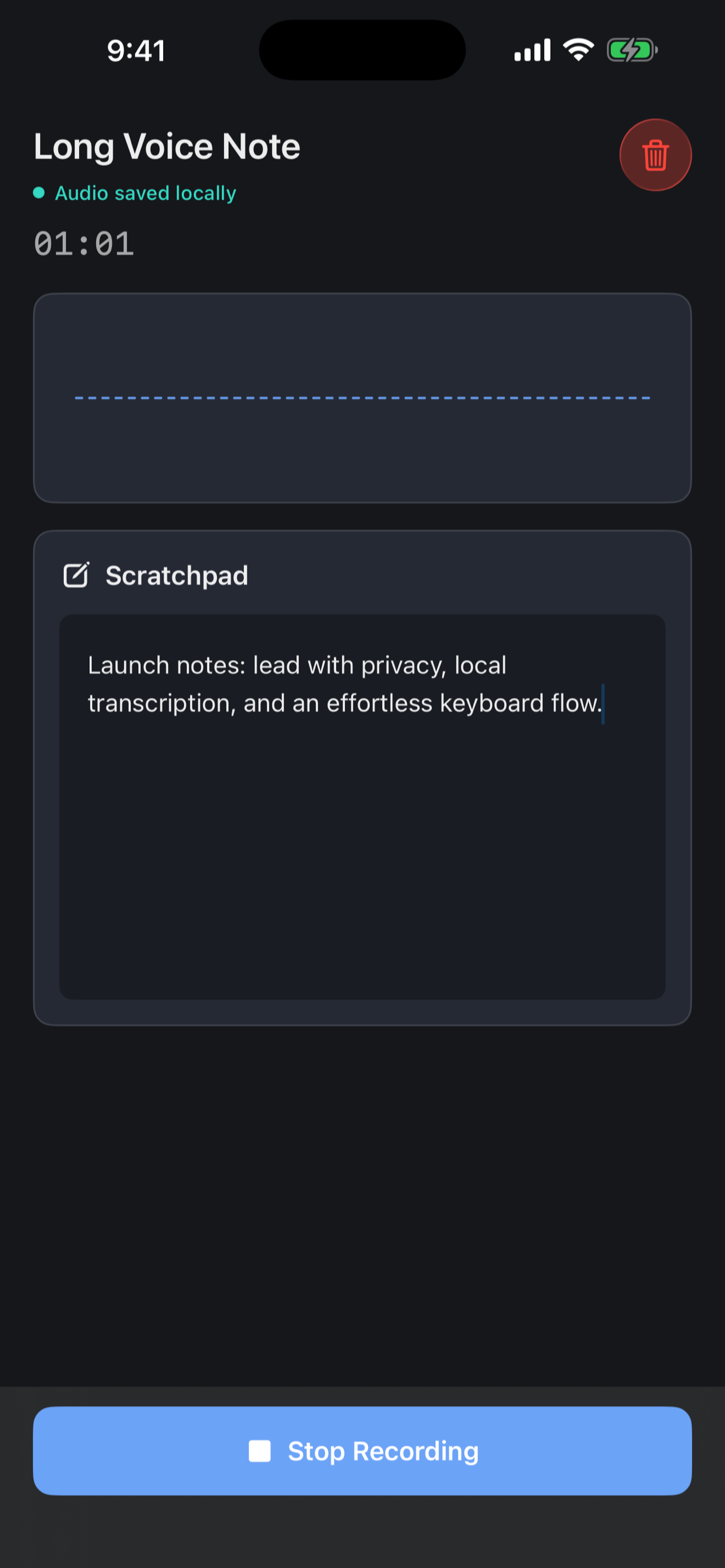
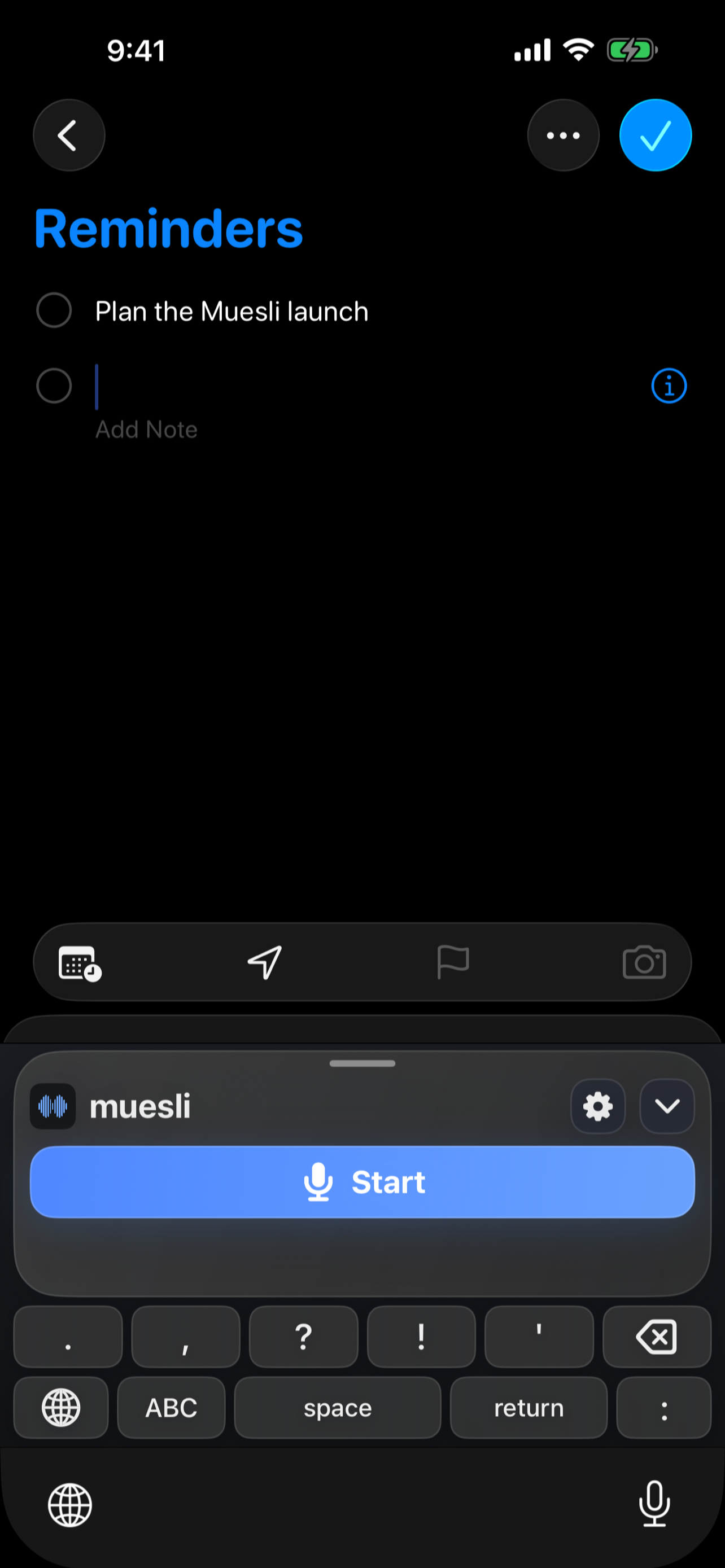
Real dark-mode screens from the iPhone app, ordered from capture to control.
Record a thought, keep the audio close, and use the scratchpad while you speak.
Capture a room from the iPhone microphone without inviting a meeting bot.
Bring local dictation into the text field inside another iPhone app.
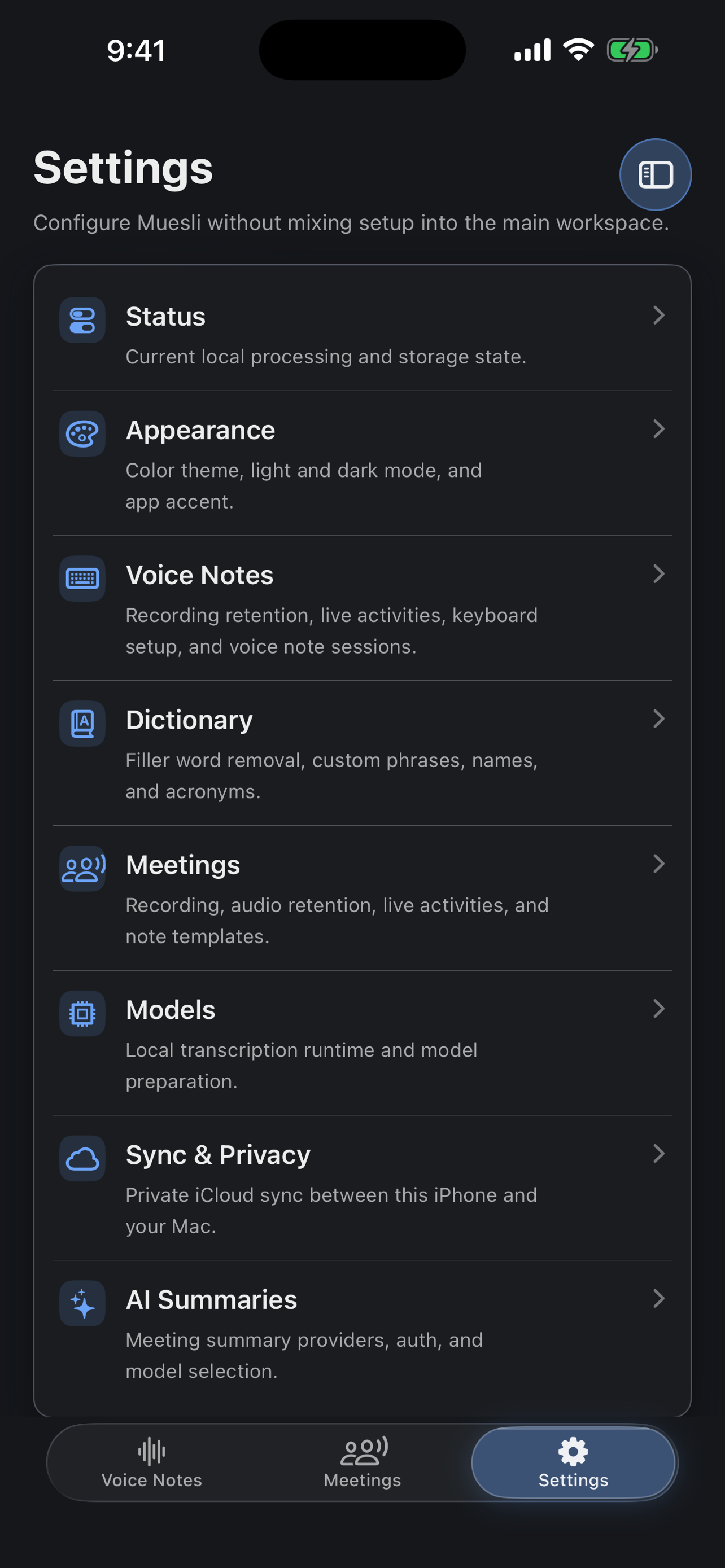
Pick the on-device model that matches your language, speed, and storage needs.
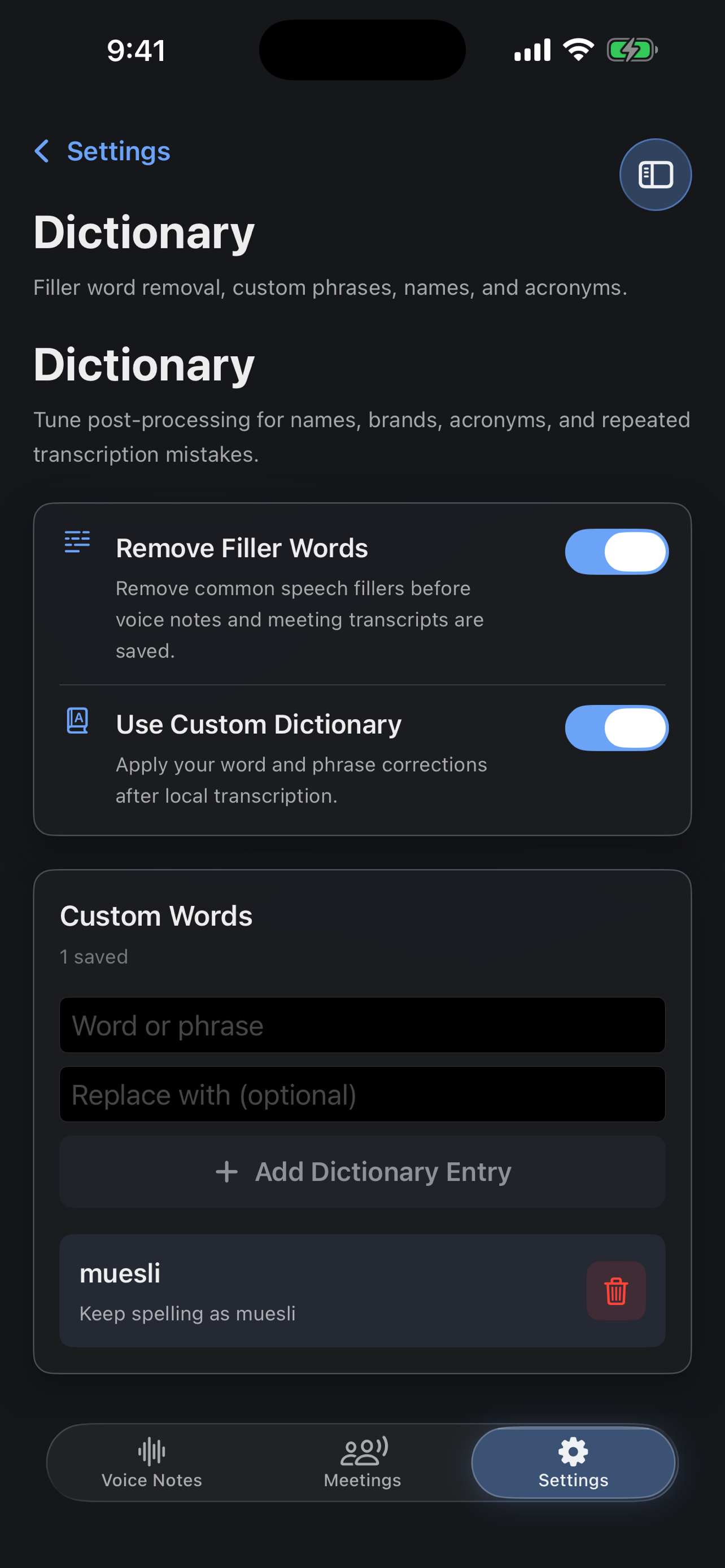
Correct names, acronyms, and phrases the way you actually use them.
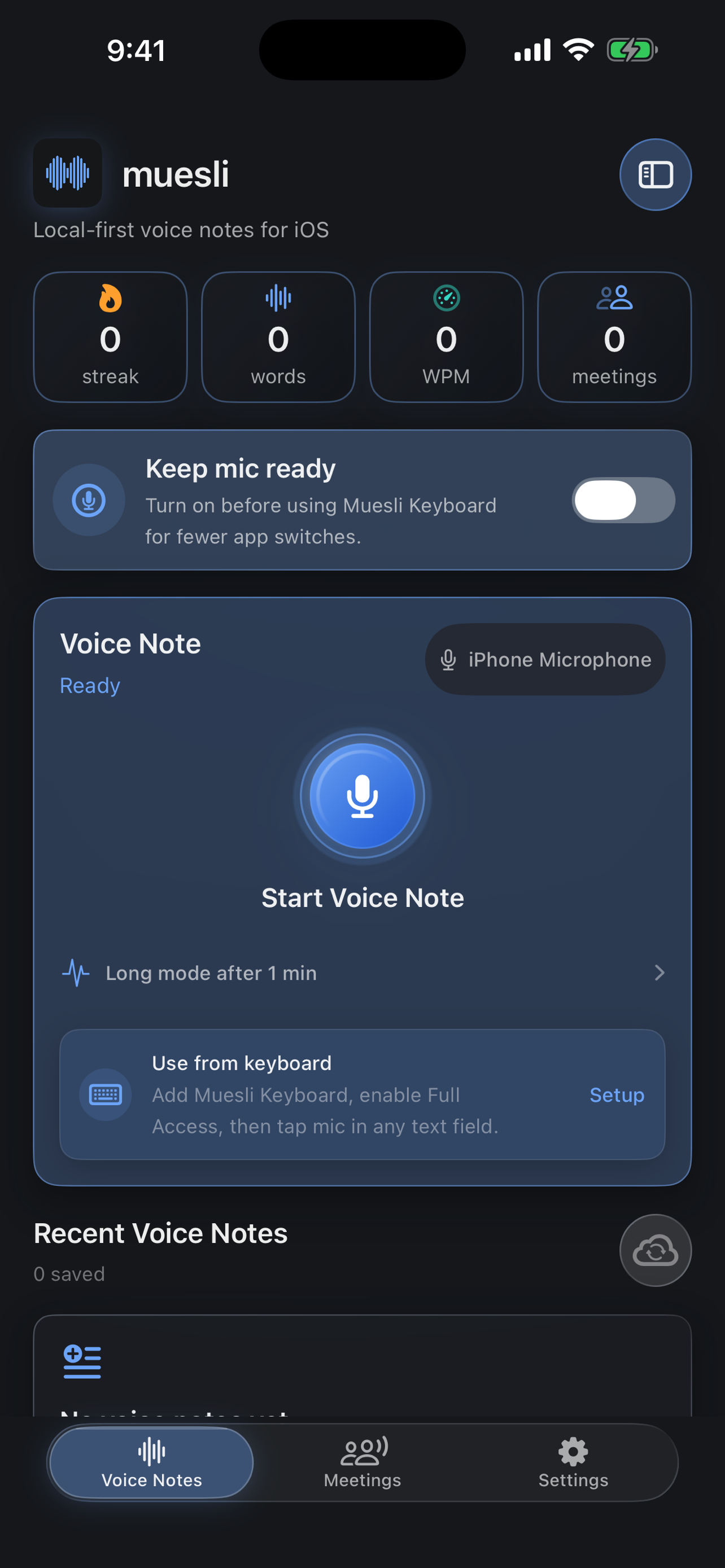
Keep recent recordings and transcripts organized on the phone.
Capture quick thoughts or longer recordings, keep the original audio locally, and revisit a searchable transcript.
Record the room from your iPhone microphone and keep the transcript available beneath any optional summary.
Start a request from another app, record and transcribe in Muesli, then insert the result back where you were writing.
Teach Muesli names, brands, acronyms, and phrase corrections that matter to the way you speak.
Choose Parakeet or Whisper based on language, accuracy, speed, and storage needs.
Connect OpenRouter or ChatGPT only when you want a meeting summary from a transcript you already control.
Recording and core transcription stay on the device. iCloud text sync and AI summaries are separate, visible choices. Analytics describe interactions and app health without carrying your words.
The keyboard extension never records audio. It opens Muesli with a request; the main app handles microphone access and local transcription, then the shared App Group carries the result back for insertion.
The current build supports iPhone on iOS 17 and newer.
Model choices range from about 153 MB to 1.5 GB, plus space for recordings you keep.
Download a model first. Core recording and transcription can work offline afterward.
You choose and download a Parakeet or Whisper model, then Muesli runs core transcription on the iPhone. The first model download and preparation need an internet connection; ordinary transcription can run locally afterward.
Yes. After a local model is installed, voice note recording and core transcription can work without an internet connection. Model downloads, optional iCloud sync, and optional AI summaries still need a connection.
Yes. Muesli records an in-person meeting from the iPhone microphone, builds the transcript with the selected local model, and keeps the recording and transcript on the phone by default. You are responsible for obtaining any consent required before recording another person.
The keyboard creates a dictation request and opens the Muesli app. The main app handles microphone access, recording, and local transcription, then returns the result through the shared App Group so the keyboard can insert it into the original text field.
Full Access lets the keyboard extension exchange the dictation request, status, and finished text with the Muesli app through the shared App Group. The keyboard extension does not record audio itself, and Muesli does not use Full Access to collect everything you type.
Voice recordings, downloaded speech models, transcript history, meeting records, and personal dictionary data stay on the iPhone by default. You can delete saved content and remove downloaded models from the app.
Private iCloud sync can copy text history between your iPhone and Mac; audio and speech models are not synced. If you request an AI summary, transcript text is sent to the OpenRouter or ChatGPT provider you connected. TelemetryDeck receives anonymized, privacy-preserving aggregate telemetry about app interactions and health.
 Coming soon
The app is currently under App Store review. There is no public App Store listing yet.
Notify me when available